Launching a mobile app on the App Store and Google Play in 2026: what it takes
To launch an app on the App Store and Google Play, you need a developer account with each (£78.99 a year for Apple, a one-off US$25 for Google), a build that has been tested on real phones, store listings with privacy answers, and a pass through each store's review. Allow two to six weeks, mostly for identity checks and testing.
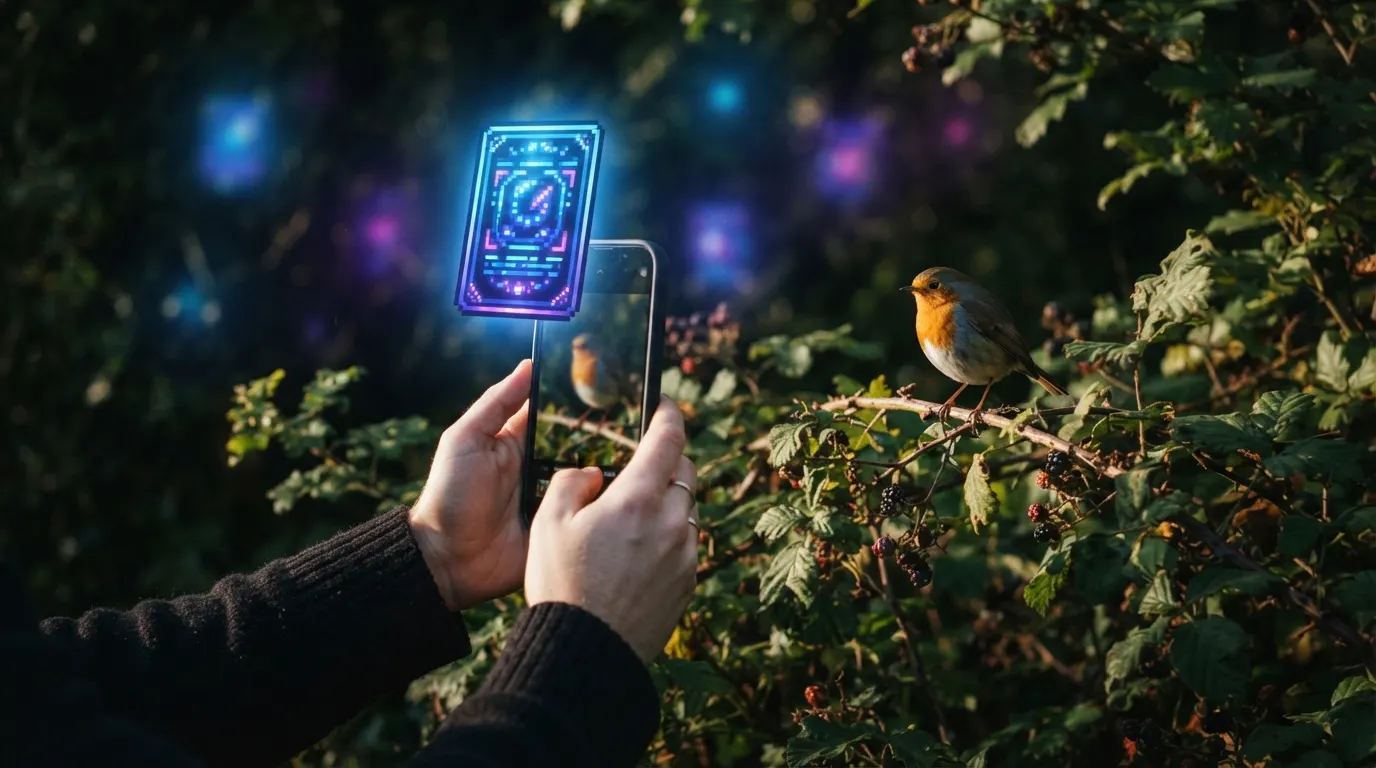
We've been through most of that with Spottie, a UK wildlife spotting app we built. You photograph real wildlife, AI identifies the species from the photo, and you collect a pixel-art card for each find. Spottie is in TestFlight testing now, on real phones, and isn't on either store yet. This guide covers what it takes to get from a working app to both stores, using what Spottie has had to clear on the way and what's still ahead of it.
What accounts do you need to publish an app?
Two, and you should open both before the app is finished, because they're the slowest part to fix later.
- Apple Developer Program. £78.99 a year in the UK. Apple's own pages give the fee as 99 USD a year and show the local price during enrolment. You need an Apple Account with two-factor authentication turned on.
- Google Play Console. A one-off US$25 registration fee. Google doesn't take prepaid cards, and you must be 18 or over.
Sources: Apple, What you need to enrol; Apple Developer app, UK App Store listing (in-app purchase price); Play Console Help, Get started with Play Console. Fees as of November 2026.
Why is identity verification the slow part?
Both stores check who you are before you can publish, and the checks are stricter for companies.
On Apple, an individual enrols under their legal name, and that name is what the App Store shows as the seller. Apple warns that using a nickname or a company name in the name fields delays approval. A company needs a D-U-N-S number, a work email on the company's domain, a public website and someone with legal authority to sign for it. Apple says to allow up to 5 business days for Dun & Bradstreet to issue a D-U-N-S number, then up to 2 more for Apple to receive it.
On Google, a personal account's name and address come from the linked Google payments profile and have to be verified, along with your email and phone. An organisation can't open an account at all without a D-U-N-S number, and Google's help page says getting one can take up to 30 days. D-U-N-S numbers are free, and Apple says paying to expedite one doesn't shorten the wait.
Sources: Apple, What you need to enrol; Apple Developer Account Help, D-U-N-S Number; Play Console Help, Required information to create a developer account; Play Console Help, Choose a developer account type. Checked 27 November 2026.
If you trade as a limited company, look up your D-U-N-S number on the day you decide to build an app. If you don't have one, request it then. It costs nothing and it's the one wait nobody can speed up.
Can one app be built for both iPhone and Android?
Yes. Spottie is a single codebase written in React Native with Expo, talking to a Flask API with a MongoDB database. The same code produces the iPhone app and the Android app, so a fix is made once rather than twice.
Expo's build service, EAS Build, compiles and signs the store builds in the cloud. EAS Submit then uploads them: to App Store Connect, where an iPhone build shows up in TestFlight after processing (Expo says usually 10 to 15 minutes), and to the Play Console, where a new app's first release goes to the internal testing track by default.
Expo also offers over-the-air updates through EAS Update. These can change an app's JavaScript, styling and images without a new store build, so a typo can be fixed the day it's found. They can't change native code, permissions or anything else that needs a new binary, and Expo is clear that updates still have to follow both stores' rules. A new feature still goes through review.
Sources: Expo docs, EAS Submit; Expo docs, EAS Update.
What is TestFlight, and how do you test an app before review?
TestFlight is Apple's way of putting a test build on real iPhones before the app goes public. It's where Spottie is now. There are two kinds of tester, and the difference matters.
- Internal testers are up to 100 people on your App Store Connect team. They can test a build as soon as it has processed, with no review.
- External testers are up to 10,000 people you invite by email or a public link. The first build you send them goes to App Review first, and you have to fill in a beta app description and review information. Apple says later builds may not need a full review.
Each build can be tested for up to 90 days before it stops working for testers.
Google's equivalent is the internal testing track: up to 100 testers per app, and a new build reaches them within minutes. Google says internal tests might not go through its standard policy or security reviews. Closed and open testing tracks sit above it for wider groups.
Sources: Apple, TestFlight; App Store Connect Help, TestFlight overview; Play Console Help, Set up an open, closed or internal test. Checked 27 November 2026.
Do you need 12 testers to publish on Google Play?
If you have a personal developer account created after 13 November 2023, yes. Before you can publish to production, you must run a closed test with at least 12 testers who have stayed opted in for at least 14 days in a row. A tester who opts out and back in restarts their count. After that you apply for production access from the Play Console dashboard, and Google says that review usually takes seven days or less. If it decides there wasn't enough testing, you keep the closed test running.
Personal accounts also have to confirm access to a real Android device through the Play Console mobile app before publishing.
Organisation accounts don't have the 12-tester rule. That's a real reason for a limited company to register as one, provided it has its D-U-N-S number in hand. For a sole trader, it means lining up a dozen friends, staff or loyal customers with Android phones before the app is ready, not after.
Sources: Play Console Help, App testing requirements for new personal developer accounts; Play Console Help, Get started with Play Console. Checked 27 November 2026.
What does app review check, and what catches people out?
Apple's reviewers use the App Review Guidelines, and Google's use its Developer Program Policies. Both cover a lot, but a handful of rules trip up small business apps again and again.
Photos and posts from users
If people can post anything others will see, such as photos, reviews or comments, Apple's guideline 1.2 applies. The app must include a way to filter objectionable material, a way to report offensive content with timely responses, the ability to block abusive users, and published contact details. Google's user-generated content policy asks for terms of use that users accept before posting, in-app reporting of content and users, blocking, and ongoing moderation.
Spottie is a photo app, so every card starts as something a user uploaded. That puts reporting, blocking and a moderation process on its list before submission, alongside the community review queue that checks species. A gallery app for a salon or a review wall for a café is in the same position.
Privacy labels and Google's Data safety form
Apple needs your app privacy details, often called privacy nutrition labels, before it accepts a new app or an update. You declare every type of data you or your third-party code collects, whether it's linked to the user, and whether it's used for tracking. Analytics and crash-reporting tools count.
Google's Data safety form asks the same kind of questions, plus whether data is encrypted in transit and whether users can ask for it to be deleted. Every app on a closed, open or production track needs one, even an app that collects nothing. Apps only on the internal testing track are exempt. Both stores also want a privacy policy link.
Sources: Apple, App privacy details; Play Console Help, Provide information for Google Play's Data safety section.
Sign-in and account deletion
Apple's guideline 4.8 says that if your app uses a third-party or social login, such as Google Sign-In or Facebook Login, to set up a user's main account, it must also offer an equivalent login that limits data to name and email, lets people keep their email private and doesn't track them for advertising without consent. Sign in with Apple meets those conditions, so it's the obvious one to add alongside. Apps that only use their own email and password sign-in don't need it.
If users can create an account, both stores require a way to delete it. Apple wants deletion inside the app. Google wants an in-app route and a web page where people can ask for their account and data to be deleted.
Sources: Apple, App Review Guidelines (1.2, 4.8, 5.1.1); Play Console Help, User generated content; Play Console Help, Account deletion requirements. Checked 27 November 2026.
Camera and location wording
On iPhone, every permission prompt shows a sentence the developer writes, called a purpose string. An app that uses the camera needs one for the camera, and an app that uses location while open needs one for location. Leave one out and Apple says the request fails and may crash the app, and App Review rejects any app that touches those features without one. The wording counts too: Apple asks for one accurate, specific sentence explaining why, and guideline 5.1.1 says purpose strings must clearly and completely describe how the data is used.
A line like "We use your camera to photograph the wildlife you find" tells someone exactly what they're agreeing to. "This app needs camera access" doesn't. Apple also asks apps to offer an alternative when someone says no, such as typing an address when they won't share their location.
Sources: Apple Developer Documentation, Requesting access to protected resources; NSCameraUsageDescription; NSLocationWhenInUseUsageDescription; App Review Guidelines 5.1.1.
What has building Spottie taught us so far?
Three decisions shaped the build, and each one also makes the store reviews more straightforward.
- Rewards are worked out on the server. The app never decides on its own how much XP a sighting earns, so nobody can fake a rare card by tampering with their phone. It also means reward rules live on the server, where they can be changed without a new store build.
- AI does the first pass, people check the hard ones. The AI identifies the species from the photo. When it's unsure, or the animal has a common lookalike, the sighting goes to a community review queue instead of being accepted blindly. Any app that lets AI make a judgement call needs a route like this for the cases it gets wrong.
- Real phones, early. A camera app behaves differently outdoors on a real phone than in a simulator on a desk, and TestFlight is where that shows up.
The parts still ahead of Spottie are the ones this guide lists: Apple's full review, Google's testing and production access, and the store listings themselves. If your app idea is closer to an internal tool than a public app, our guide to what custom software can do for a small business covers options that don't need the stores at all.
How long does it take, and what does it cost to get on the stores?
These are the store-side costs and waits from Apple's and Google's own pages. The build itself is separate.
| Step | Apple App Store | Google Play |
|---|---|---|
| Developer account fee | £78.99 a year (99 USD) | US$25, one-off |
| D-U-N-S number (companies only) | Up to 5 business days, plus up to 2 for Apple to receive it | Google says it can take up to 30 days |
| Payment checks | Contact Apple if no confirmation within 24 hours of purchase | Up to five days |
| Testing before review | TestFlight internal: minutes after processing. External: first build needs beta review | Internal track: minutes. New personal accounts: 12 testers for 14 days, then production access review, usually 7 days or less |
| Store review | Typically 50% within 24 hours, 90% within 48 hours | Up to seven days or longer in exceptional cases, for some accounts |
| Builds | Each TestFlight build lasts 90 days | New apps must target Android 16 (API level 36) |
Sources: Apple, App Review; Apple Developer Account Help, Program enrolment; Play Console Help, Prepare your app for review; Play Console Help, Target API level requirements; plus the sources above. Fees and timings as of November 2026.
Put together, a sole trader with everything ready could be on the App Store within days of submitting. On Google Play, a new personal account can't be in production in under about three weeks, because of the 14-day test and the production access review. A limited company without a D-U-N-S number should allow a month for the paperwork alone.
What should you check before submitting an app?
- Developer accounts open and verified on both stores, under the right name: yours or the company's.
- A privacy policy page live on your website, linked in the app and in both store listings.
- Apple's privacy details and Google's Data safety form filled in, including every analytics, crash-reporting and AI service the app calls.
- A purpose string for every permission, each one a plain sentence saying why, and a sensible fallback when someone says no.
- Report, block and moderation tools if users can post photos, reviews or comments.
- Sign in with Apple, or another login that meets guideline 4.8, if you offer Google or Facebook sign-in.
- Account deletion inside the app, plus a deletion request page on the web for Google.
- A working demo account for the reviewers if the app has a login, with the details in the review notes, and your server switched on. Apple's guideline 2.1 asks for both.
- Screenshots, an icon, a description and a support contact for each listing.
- A build tested on real devices through TestFlight and Google's testing tracks, and for a new personal Play account, 12 testers opted in for 14 days.
We build mobile apps for small businesses, from the first sketch to both store listings, and we're taking Spottie through the same steps. If you have an app in mind, our software and app development page explains how we work, and every project starts with a fixed quote.
Quick answers
How much does it cost to put an app on the App Store and Google Play?
As of November 2026, Apple's Developer Program costs £78.99 a year in the UK (99 USD) and Google Play charges a one-off US$25 registration fee. Building the app itself is a separate cost.
How long does Apple take to review an app?
Apple says App Review typically handles at least 50% of submissions in under 24 hours and 90% in under 48 hours. Incomplete submissions take longer or fail, so include a demo account and clear review notes.
What is TestFlight?
TestFlight is Apple's service for putting test builds of an app on real iPhones before release. Up to 100 internal testers on your team can test straight away, and up to 10,000 external testers can join once the first build passes a beta app review.
Do you need 12 testers to publish on Google Play?
Yes, if your personal developer account was created after 13 November 2023: you need a closed test with at least 12 testers opted in for 14 days in a row before you can apply for production access. Organisation accounts don't have this rule.
Want this done for you?
Software & App Development from Click Fusion Cloud
Built by our studio in Hertford, Hertfordshire, for businesses across the UK.
See our software and app development service