

How we automate social media with an API, and why explainer videos win
We automate social media by connecting each account to Zernio, a social media API, so posts are written once, scheduled from one place and published by software rather than typed into each app. Explainer videos win because they stop the scroll, show rather than tell, and give people something to reply to.
This post covers both halves: how the publishing side works, and what we've learned about the posts worth publishing. It's the same setup we use for our own brands and for our managed social media service, so everything here is what we actually do.
What is an API, in plain English?
An API, or application programming interface, is a way for one piece of software to ask another to do something. When you post on Instagram, you tap buttons in the app. An API lets a program do the same job by sending a structured message: this text, this photo, this account, publish at 9am on Tuesday. The platform checks the message and carries it out. Nobody has to open the app.
Every large platform has its own API, with its own rules and its own approval process. A social media API like Zernio sits in front of them all. We send one kind of request, and it deals with the differences between LinkedIn, TikTok, Google and the rest.
What does connecting your accounts to one API give you?
Once a business's accounts are connected, a few things become easy that are tedious by hand:
- One place to schedule across accounts. One post can go to LinkedIn, Instagram and a Facebook Page together. Zernio's docs describe per-platform overrides, so the same post can carry a shorter caption for Threads or a different image for Pinterest.
- A month loaded in one sitting. Each post gets a publish time and a timezone, so a whole month can be scheduled at once. The docs also describe weekly queue slots that new posts fill in order, and bulk imports from a CSV file.
- Google Business Profile posts on a schedule. The docs describe these as updates with a photo and a button. A café's new seasonal menu or a florist's Mother's Day order deadline can go out on the profile the same morning as the social posts. Our Google Business Profile guide covers what makes those posts worth doing.
- Posts built from your own content. The docs mention a website, a shop or an AI agent creating posts from its own events. In practice, a new blog post or a new product can produce draft posts in your own words, waiting for someone to check them. That's the kind of work our AI agents and automation service builds.
- Approval before publishing. A scheduled post can be held until someone approves it, so nothing goes out unseen.
- Ads as a separate layer. Zernio's platform list also includes ad accounts, among them Meta Ads, Google Ads, LinkedIn Ads and TikTok Ads. We keep ads apart from everyday posting, with their own budget and sign-off. New campaigns go in paused, and a person switches them on.
Sources: Zernio docs, Posting API; Zernio docs, Scheduler API; Zernio docs, Platforms.
Which platforms does it cover, and what are the limits?
Zernio's documentation says one request shape publishes to 16 platforms. Its posting page lists Instagram, TikTok, X, LinkedIn, Facebook, Threads, YouTube, Bluesky, Pinterest, Google Business Profile, Telegram, Discord, Slack, Reddit and Snapchat. The same page gives two caveats: Reddit publishing is paused while Reddit blocks third-party API access, and Snapchat isn't open yet because Snap hasn't approved Zernio's app.
Each network still has its own limits, and the API enforces them. A caption that's fine on LinkedIn will fail on Threads. These are the figures from Zernio's platform pages:
| Platform | Text limit | Media per post | Worth knowing |
|---|---|---|---|
| 3,000 characters | Up to 20 images, or 1 video, or 1 document | Video up to 10 minutes on a personal profile, 30 on a company page | |
| 2,200 characters | 1 image in the feed, up to 20 in a carousel | Only the first 125 characters show before "more" | |
| TikTok | 2,200 for a video caption | 1 video, or up to 35 photos in a carousel | Videos from 3 seconds to 10 minutes |
| Threads | 500 characters | Up to 20 in a carousel, or 10 with a video | 1 video of up to 5 minutes; 250 API posts per account per day |
| X | 280 free, 25,000 Premium | 1 video per post | Every link counts as 23 characters |
| Google Business Profile | 1,500 characters | 1 image, no video | Needs a verified location |
Sources: Zernio docs, Posting API, LinkedIn, Instagram, TikTok, Threads, X and Google Business Profile.
Write the long version first. Draft for LinkedIn, then cut a version under 500 characters for Threads, and check the first 125 characters work on their own for Instagram. Three versions of one idea are quick to write, and far quicker than fixing a post that failed on one platform.
What does a month of scheduled posts look like?
For Ravensfell, Tristan's own voxel game, we scheduled 28 Threads posts covering 8 November to 5 December 2026 in one go through the API. That's four weeks of posts in a single batch, instead of a reminder to post every few days.
For a business, the routine looks like this:
- Plan the month in one sheet. One row per post: date, time, platforms, text and the photo or video it needs.
- Write the per-platform versions. Long for LinkedIn, short for Threads and X, a strong first line for Instagram.
- Load everything through the API. Each post is scheduled and held for approval.
- Approve. The owner reads the month in one go and approves, edits or drops posts.
Why did a short explainer video get ten times the reach?
Tristan made a short explainer video with Claude, Anthropic's AI, and posted it on LinkedIn. By his own observation, it got about ten times the reach, engagement and comments of his normal posts. That's one video, not a study, and we wouldn't promise anyone the same result. The reasons it worked are still worth copying:
- It stops the scroll. Movement stands out in a feed that's mostly text and still photos.
- It shows rather than tells. Thirty seconds of watching how something works beats three paragraphs describing it.
- It gives people something to comment on. One clear idea is easy to agree with, question or add to.
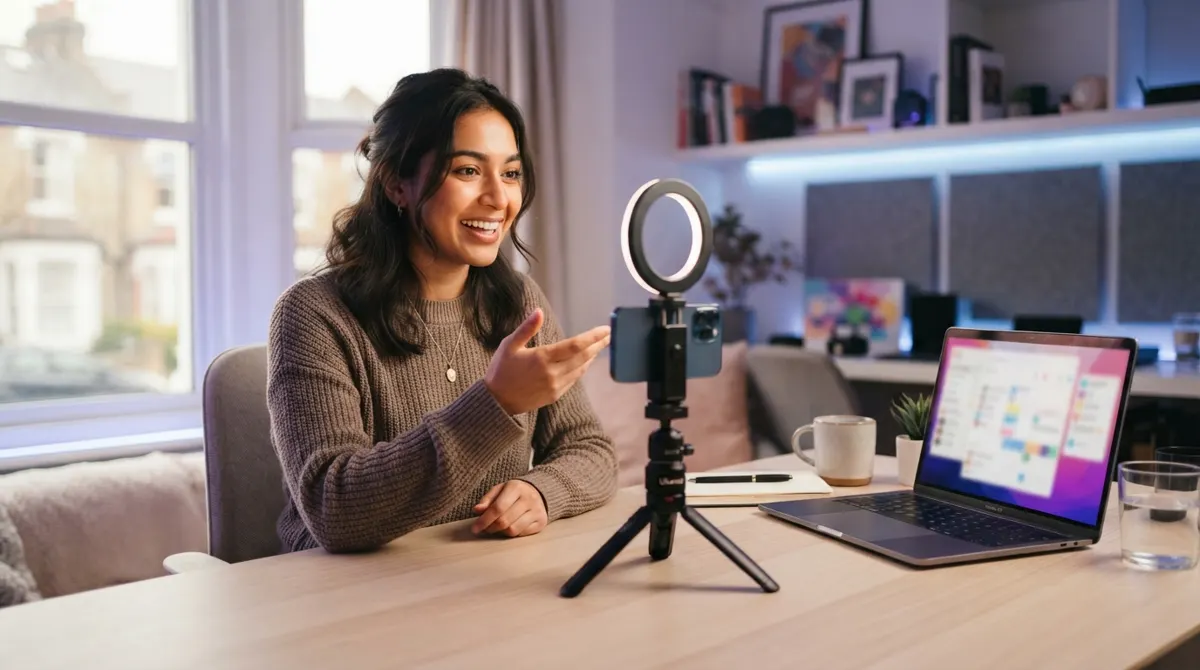
The same applies well beyond tech. A plumber showing how to bleed a radiator, a florist showing how to make a bouquet last longer, a salon showing what happens in a colour consultation: each is one useful idea, shown in under a minute. Our guide to what AI can do for a small business covers how far AI video and image tools have come.
How do you make an explainer video that works?
- Make the first 3 seconds count. Open on the point or the result, not a logo or a greeting. LinkedIn's guidance for video ads says to keep the opening to 3 to 5 seconds and show what you want people to see in the first 10, because attention drops after that.
- Turn captions on. LinkedIn says almost 80% of its users watch video ads with the sound off. Burn the captions into the video so they show everywhere, and keep each line short.
- Frame it square or vertical. LinkedIn suggests filming vertically when a video doesn't need a wide frame, so nobody has to turn their phone. In our experience, square is the safest choice when one video goes to several platforms.
- One idea per video. LinkedIn's data shows videos under 30 seconds have higher completion rates overall. If you have three points, that's three videos and three weeks of posts.
- End with an easy question. A specific one, such as "Which of these do you do?", is easier to answer than "Thoughts?".
Sources: LinkedIn Marketing Solutions, video ads; LinkedIn, video ad tips.
How much time does it save, and what still needs a person?
The time moves rather than vanishing. Instead of a few minutes every day spread across several apps, there's one longer session a month to plan and load posts, a short approval step, and a little time each week on replies. For most small businesses that's easier to protect in the diary, and nothing gets forgotten on a busy week.
Some of the work should stay with a person, and we build it that way:
- Approving posts. The owner sees every post before it goes out. Automation does the publishing, not the deciding.
- Replying to comments. The API can read comments, but a reply from the real business owner is worth more than a fast generic one.
- Judging tone. When something sad happens locally or in the news, a cheerful scheduled post can land badly. Someone needs to be able to pause the queue that day.
If you want to go further with automation, such as drafting replies or turning enquiries into tasks, our guide to AI automation for small businesses covers which jobs to hand over and which to keep.
Click Fusion Cloud is a web design, software and AI studio in Hertford, Hertfordshire, working with businesses across the UK. If you'd like your posts planned, approved and published from one place, our social media management in Hertfordshire covers the setup and the monthly running, and starts with a fixed quote.
Quick answers
What is a social media API?
A social media API lets software schedule and publish posts to your accounts without anyone opening each app. Services like Zernio sit in front of the platforms' own APIs, so one request can post to LinkedIn, Instagram, TikTok, Google Business Profile and others.
Can you schedule Google Business Profile posts automatically?
Yes. Through Zernio's API, Google Business Profile updates with a photo and a button can be scheduled alongside social posts. Its docs give a 1,500 character limit, one image per post, no video, and the profile needs a verified location.
Do explainer videos need captions?
Yes. LinkedIn says almost 80% of its users watch video ads with the sound off, so burn captions into the video and keep each line short.
Does automating social media mean nobody checks the posts?
No. Software handles the scheduling and publishing, but a person should still approve every post, reply to comments and pause the queue when a cheerful post would land badly.
Want this done for you?
Social Media Management from Click Fusion Cloud
Built by our studio in Hertford, Hertfordshire, for businesses across the UK.
See our social media management service